
Introduction
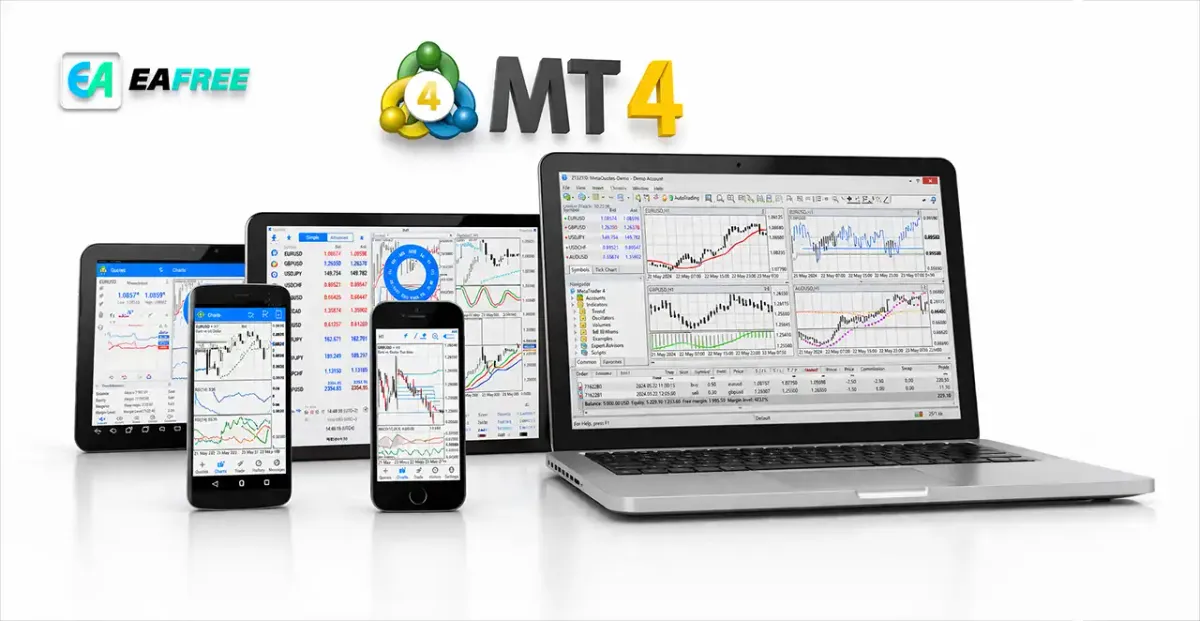
If you are stepping into the world of online trading, you have likely come across MetaTrader 4 (MT4)—one of the most popular and widely used trading platforms globally. Whether you are interested in forex, commodities, or indices, MT4 provides a powerful yet user-friendly environment to analyze markets and execute trades.
This complete beginner’s guide will walk you through everything you need to know about MetaTrader 4, from installation and basic features to placing your first trade and applying strategies effectively.
What is MetaTrader 4 (MT4)?
MetaTrader 4, commonly referred to as MT4, is an electronic trading platform developed by MetaQuotes Software. It is primarily used for trading forex but also supports CFDs (Contracts for Difference) on stocks, commodities and indices.
//Key Features of MT4:
- User-friendly interface.
- Advanced charting tools.
- Automated trading via Expert Advisors (EAs).
- Custom indicators.
- Real-time market data.
- Secure and stable trading environment.
MT4 remains a favorite among beginners and professional traders due to its simplicity and flexibility.
How to Download and Install MT4
Getting started with MT4 is simple. Follow these steps:
//Step 1: Choose a Broker
To use MT4, you need to sign up with a broker that supports the platform. Most forex brokers offer MT4 as their primary trading platform.
//Step 2: Download the Platform
- Visit your broker’s website
- Download the MT4 installation file (available for Windows, Mac, iOS, and Android)
//Step 3: Install MT4
- Run the installation file
- Follow on-screen instructions
- Launch the platform once installed
//Step 4: Log In
- Use your broker-provided login credentials
- Select the correct server
Understanding the MT4 Interface
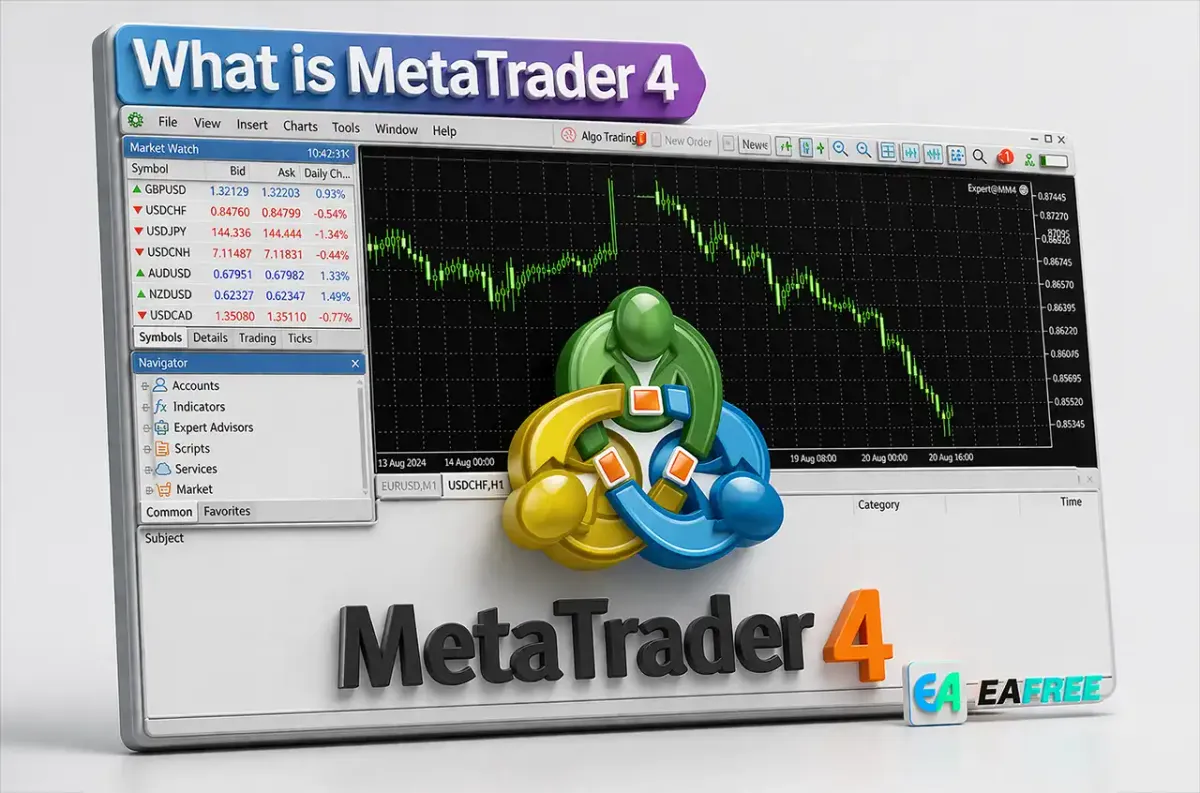
When you open MT4 for the first time, the interface may look complex. Let’s break it down:
//1. Market Watch
Displays a list of trading instruments and their real-time prices.
//2. Chart Window
Shows price movements of selected assets. You can customize charts using different timeframes and indicators.
//3. Navigator
Allows access to:
- Accounts
- Indicators
- Expert Advisors
//4. Terminal
Displays trade history, open trades, account balance and alerts.
//5. Toolbar
Provides quick access to tools such as:
- Chart types
- Drawing tools
- Timeframes
Types of Orders in MT4
Understanding order types is essential for trading effectively.
//1. Market Orders
Buy or sell immediately at the current market price.
//2. Pending Orders
Orders that are executed once the price reaches a specified level:
- Buy Limit
- Sell Limit
- Buy Stop
- Sell Stop
//3. Stop Loss and Take Profit
- Stop Loss: Limits potential losses
- Take Profit: Locks in profits automatically
How to Place Your First Trade on MT4
Follow these steps to execute a trade:
- Select a trading instrument from Market Watch
- Right-click and choose “New Order”
- Choose order type (Market or Pending)
- Enter trade volume (lot size)
- Set Stop Loss and Take Profit levels
- Click “Buy” or “Sell”
Congratulations—you have placed your first trade!
Understanding Charts and Timeframes
Charts are essential for analyzing price movements.
//Chart Types:
- Line Chart
- Bar Chart
- Candlestick Chart (most popular)
//Timeframes:
- M1 (1 minute)
- M5 (5 minutes)
- M15 (15 minutes)
- H1 (1 hour)
- D1 (1 day)
Beginners often start with higher timeframes (H1 or D1) to avoid market noise.
Using Technical Indicators
MT4 comes with built-in indicators that help traders analyze the market.
//Popular Indicators:
- Moving Average
- Relative Strength Index (RSI)
- MACD (Moving Average Convergence Divergence)
- Bollinger Bands
//How to Add Indicators:
- Click “Insert” in the menu
- Select “Indicators”
- Choose your desired indicator
- Customize settings and apply
Automated Trading with Expert Advisors (EAs)
One of MT4’s standout features is automated trading using Expert Advisors.
//What Are Expert Advisors?
EAs are programs that automatically execute trades based on predefined strategies.
//Benefits:
- Removes emotional trading
- Executes trades 24/7
- Backtesting capabilities
However, beginners should test EAs on demo accounts before using real money.
Risk Management Tips for Beginners
Trading involves risk, and managing it properly is crucial.
//Key Tips:
- Never risk more than 1–2% of your capital per trade
- Always use Stop Loss
- Avoid overtrading
- Keep emotions in check
- Maintain a trading journal
Risk management is often more important than strategy.
Common Mistakes to Avoid
Many beginners make similar mistakes. Avoid these to improve your success:
- Trading without a plan
- Ignoring risk management
- Overleveraging
- Chasing the market
- Relying solely on indicators
Demo vs Live Trading
//Demo Account:
- Practice with virtual money
- Learn the platform risk-free
//Live Account:
- Trade with real money
- Emotional factors come into play
Start with a demo account until you feel confident.
Advantages and Disadvantages of MT4
//Advantages:
- Easy to use
- Lightweight and fast
- Large community support
- Extensive customization
//Disadvantages:
- Limited compared to newer platforms like MetaTrader 5 (MT5)
- Basic interface design
- Fewer built-in assets
Tips to Master MT4 Faster
- Spend time exploring all features
- Practice daily on a demo account
- Learn basic technical analysis
- Follow market news
- Join trading communities
Consistency is key to becoming a successful trader.
Conclusion
MetaTrader 4 (MT4) remains one of the best platforms for beginners entering the world of trading. Its simplicity, powerful tools, and flexibility make it an ideal starting point for anyone interested in forex and CFD trading.
By understanding the platform, practicing regularly, and applying proper risk management, you can build a strong foundation for your trading journey.