
Introduction
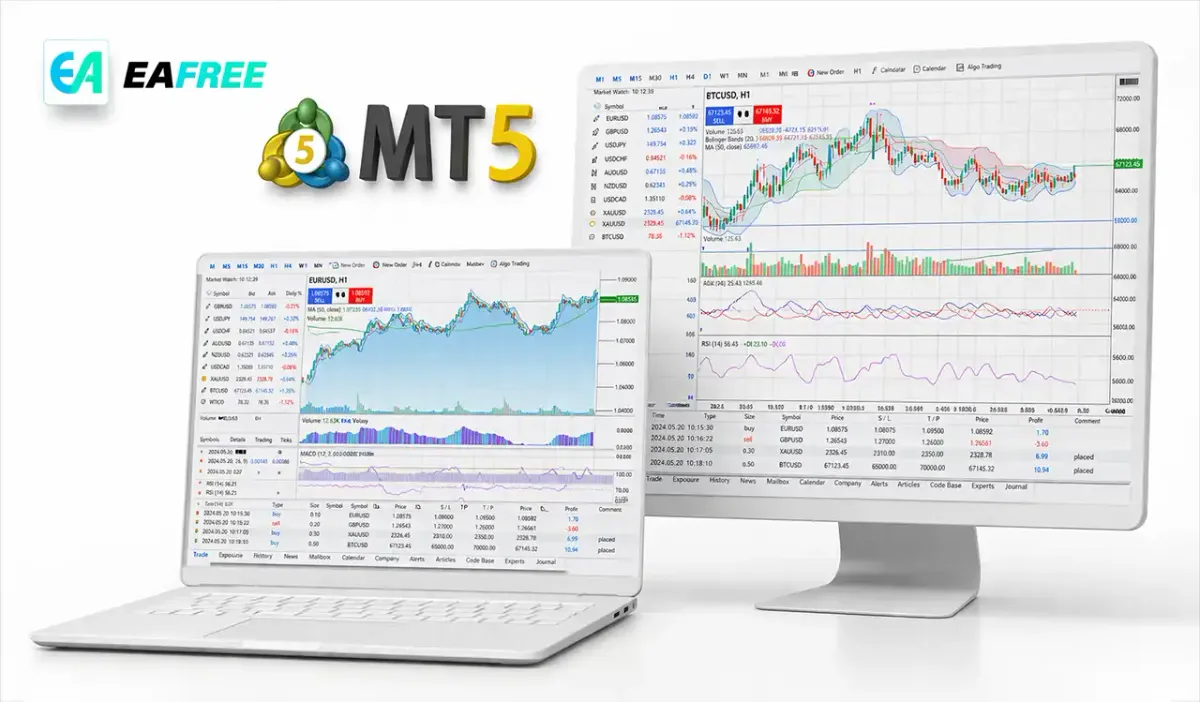
If you are new to online trading, choosing the right platform is one of the most important decisions you will make. Among the many trading platforms available today, MetaTrader 5 (MT5) stands out as one of the most powerful and widely used tools for traders worldwide. Whether you are interested in forex, stocks, commodities, or cryptocurrencies, MT5 offers a comprehensive environment to analyze markets, execute trades and manage your portfolio efficiently.
In this complete beginner’s guide, we will walk you through everything you need to know about MetaTrader 5—from its features and benefits to how to get started and trade confidently.
What is MetaTrader 5 (MT5)?
MetaTrader 5 (MT5) is a multi-asset trading platform developed by MetaQuotes. It is the successor to MetaTrader 4 (MT4) and was designed to provide more advanced tools, faster processing, and access to a broader range of financial markets.
Unlike MT4, which primarily focuses on forex trading, MT5 supports:
- Forex (currency pairs)
- Stocks and equities
- Commodities (gold, oil, etc.)
- Indices
- Cryptocurrencies
This makes MT5 a versatile choice for traders who want to diversify their investments.
Key Features of MetaTrader 5
//1. Advanced Charting Tools
MT5 provides 21 timeframes and over 80 built-in technical indicators. These tools help traders analyze price movements and identify trading opportunities more accurately.
Key charting features include:
- Multiple chart types (line, bar, candlestick)
- Custom indicators
- Drawing tools (trendlines, Fibonacci retracements)
//2. Algorithmic Trading (Expert Advisors)
One of the standout features of MT5 is its support for automated trading through Expert Advisors (EAs). These are programs that can execute trades based on predefined rules.
Benefits of using EAs:
- Eliminate emotional trading
- Execute trades instantly
- Backtest strategies using historical data
//3. Economic Calendar
MT5 includes a built-in economic calendar that displays important global financial events. This helps traders stay informed about:
- Interest rate decisions
- Employment reports
- GDP announcements
Understanding these events can significantly improve your trading decisions.
//4. Depth of Market (DOM)
The Depth of Market feature allows you to see real-time market liquidity. This is especially useful for:
- Understanding supply and demand
- Identifying potential price movements
- Executing large orders efficiently
//5. Multi-Asset Trading Capability
Unlike MT4, MT5 allows you to trade multiple asset classes from a single platform. This flexibility is ideal for traders looking to diversify their portfolios.
MT5 vs MT4: What’s the Difference?
Many beginners wonder whether they should choose MT4 or MT5. Here’s a quick comparison:
| Feature | MT4 | MT5 |
|---|---|---|
| Asset Classes | Forex only | Multi-asset |
| Timeframes | 9 | 21 |
| Indicators | ~30 | 80+ |
| Economic Calendar | No | Yes |
| Order Types | 4 | 6 |
Conclusion: MT5 is more advanced and future-proof, making it a better choice for beginners who want long-term growth.
How to Get Started with MetaTrader 5
//Step 1: Choose a Broker
To use MT5, you need to open an account with a broker that supports the platform. When selecting a broker, consider:
- Regulation and safety
- Trading fees and spreads
- Available assets
- Customer support
//Step 2: Download and Install MT5
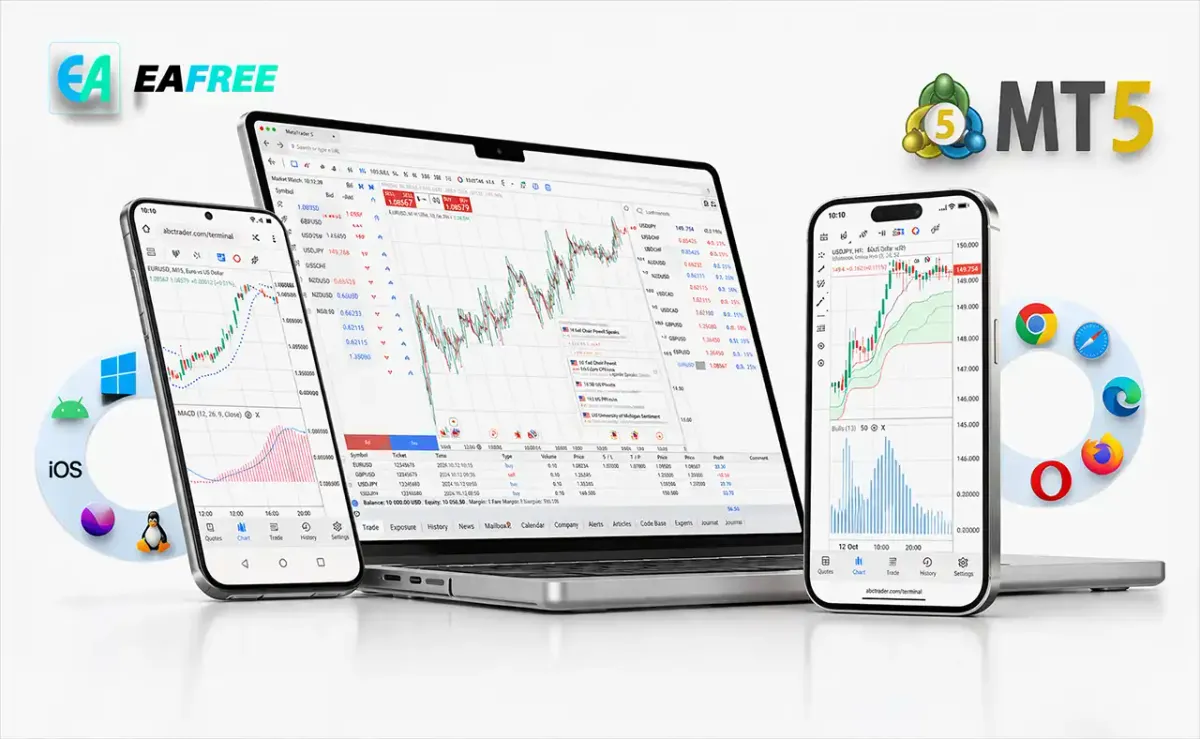
You can download MetaTrader 5 on:
- Windows and Mac
- iOS and Android devices
- Web browser (WebTrader)
Installation is quick and user-friendly.
//Step 3: Log Into Your Account
Once installed, log in using the credentials provided by your broker. You can choose between:
- Demo account (for practice)
- Live account (for real trading)
Beginners are strongly encouraged to start with a demo account.
//Step 4: Understand the Interface
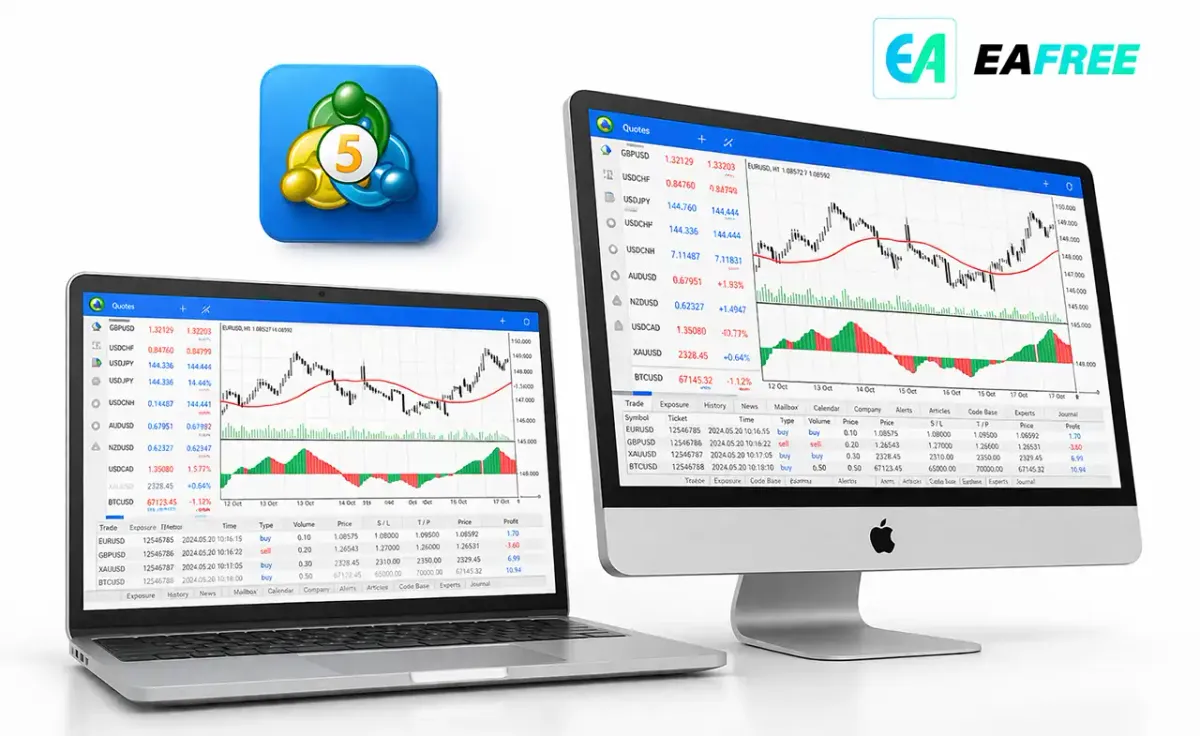
The MT5 interface includes several key sections:
- Market Watch: Displays available instruments
- Chart Window: Shows price movements
- Navigator: Access accounts, indicators and EAs
- Terminal: Manage trades and view history
Take time to familiarize yourself with these components.
How to Place a Trade on MT5
Placing a trade on MT5 is straightforward. Follow these steps:
- Select an asset from the Market Watch window
- Right-click and choose “New Order”
- Choose your order type (Market or Pending)
- Set your lot size
- Add Stop Loss and Take Profit levels
- Click “Buy” or “Sell”
Types of Orders in MT5
MT5 supports several order types, including:
//Market Orders
Execute immediately at the current market price.
//Pending Orders
Execute when the price reaches a specified level:
- Buy Limit
- Sell Limit
- Buy Stop
- Sell Stop
- Buy Stop Limit
- Sell Stop Limit
Understanding these order types is essential for effective trading.
Risk Management Tips for Beginners
Trading can be profitable, but it also involves risk. Here are some essential tips:
//1. Use Stop Loss Orders
Always set a stop loss to limit potential losses.
//2. Avoid Overleveraging
High leverage can amplify both profits and losses.
//3. Follow a Trading Plan
Define your strategy and stick to it.
//4. Practice on a Demo Account
Never rush into live trading without sufficient practice.
Advantages of Using MetaTrader 5
- User-friendly interface
- Advanced analytical tools
- Supports automated trading
- Multi-asset capability
- Fast execution speed
Disadvantages of MT5
- Slight learning curve for beginners
- Not all brokers support MT5
- EAs from MT4 are not compatible with MT5
Best Strategies for Beginners on MT5
//1. Trend Following Strategy
Identify and follow the market trend using indicators like Moving Averages.
//2. Breakout Strategy
Trade when the price breaks key support or resistance levels.
//3. Scalping Strategy
Make small profits from short-term trades (requires experience).
Common Mistakes to Avoid
- Trading without a strategy
- Ignoring risk management
- Overtrading
- Letting emotions control decisions
Avoiding these mistakes can significantly improve your success rate.
Final Thoughts
MetaTrader 5 is a powerful and versatile trading platform that caters to both beginners and experienced traders. With its advanced tools, multi-asset support, and automation capabilities, MT5 provides everything you need to succeed in today’s financial markets.
However, success in trading does not come from the platform alone—it requires discipline, continuous learning, and proper risk management.